




Transcript.lol is a cutting-edge AI-driven transcription tool that simplifies the process of converting audio and video content into accurate text. Leveraging advanced speech recognition technology, Transcript.lol provides quick and reliable transcriptions with minimal manual intervention. Whether you're a content creator, journalist, or academic, this tool ensures that your spoken content is easily accessible and searchable. Its intuitive interface allows for seamless editing and exporting of transcripts, making it an essential resource for anyone needing precise and efficient transcription services.
Tags:AI Audio Technology Transcription Video
Transcript.lol Product Information
What's Transcript.lol?
Transcript.lol is a cutting-edge AI-driven transcription tool that simplifies the process of converting audio and video content into accurate text. Leveraging advanced speech recognition technology, Transcript.lol provides quick and reliable transcriptions with minimal manual intervention. Whether you're a content creator, journalist, or academic, this tool ensures that your spoken content is easily accessible and searchable. Its intuitive interface allows for seamless editing and exporting of transcripts, making it an essential resource for anyone needing precise and efficient transcription services.
How to use Transcript.lol?
- Upload your audio or video file to the Transcript.lol platform.
- Select desired output format and language.
- Start the transcription process.
- Review and edit the generated transcript.
- Export the transcript in the desired format.
Key Features of Transcript.lol
♥ Automatic transcription: Converts audio and video to text.
♥ Speaker identification: Differentiates between multiple speakers.
♥ Timestamps: Provides accurate timestamps for each segment.
♥ Customizable output formats: Allows for exporting in different text formats.
♥ Integration with other tools: Potential integration with video editing software.
Use Cases of Transcript.lol
- Transcribing interviews, podcasts, or webinars.
- Creating subtitles for videos.
- Generating transcripts for content analysis or research.
- Creating closed captions for accessibility.
- Transcribing meeting recordings or lectures.
Pros
- Accurate transcription with automatic punctuation
- Supports multiple audio and video formats
- Offers various output formats (text, SRT, VTT)
Cons
- May struggle with accents or background noise
- Free version might have limitations on file size or transcription length
- Limited customization options for transcription settings
FAQ of Transcript.lol
Q: Does Transcript.lol support all audio and video formats?
A: Transcript.lol supports a wide range of audio and video formats, but compatibility may vary.
Q: Is the transcription accuracy guaranteed?
A: While Transcript.lol strives for high accuracy, transcription quality can be affected by audio quality and content complexity.
Q: Can I edit the generated transcript?
A: Yes, you can edit the transcript after it is generated.
Q: Is there a limit to the file size I can upload?
A: File size limits may vary depending on the plan or free tier.
Q: How long does it take to transcribe a file?
A: Transcription time depends on the file length and complexity.
Relevant Navigation
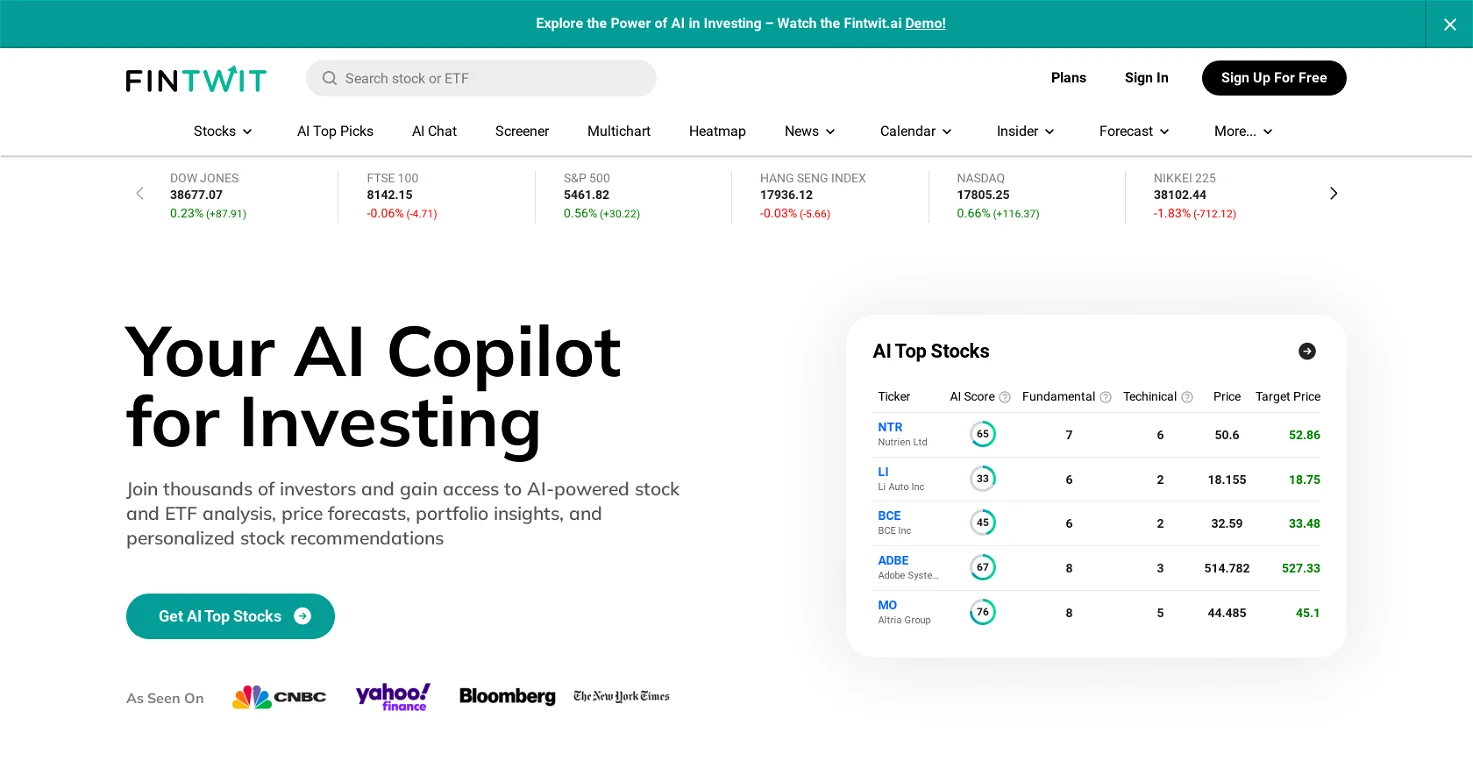
Fintwit is an AI-driven financial news analysis platform that provides real-time insights and sentiment analysis on market trends, company performance, and investor behavior. By processing vast amounts of financial news and social media data, Fintwit empowers investors and traders to make informed decisions.
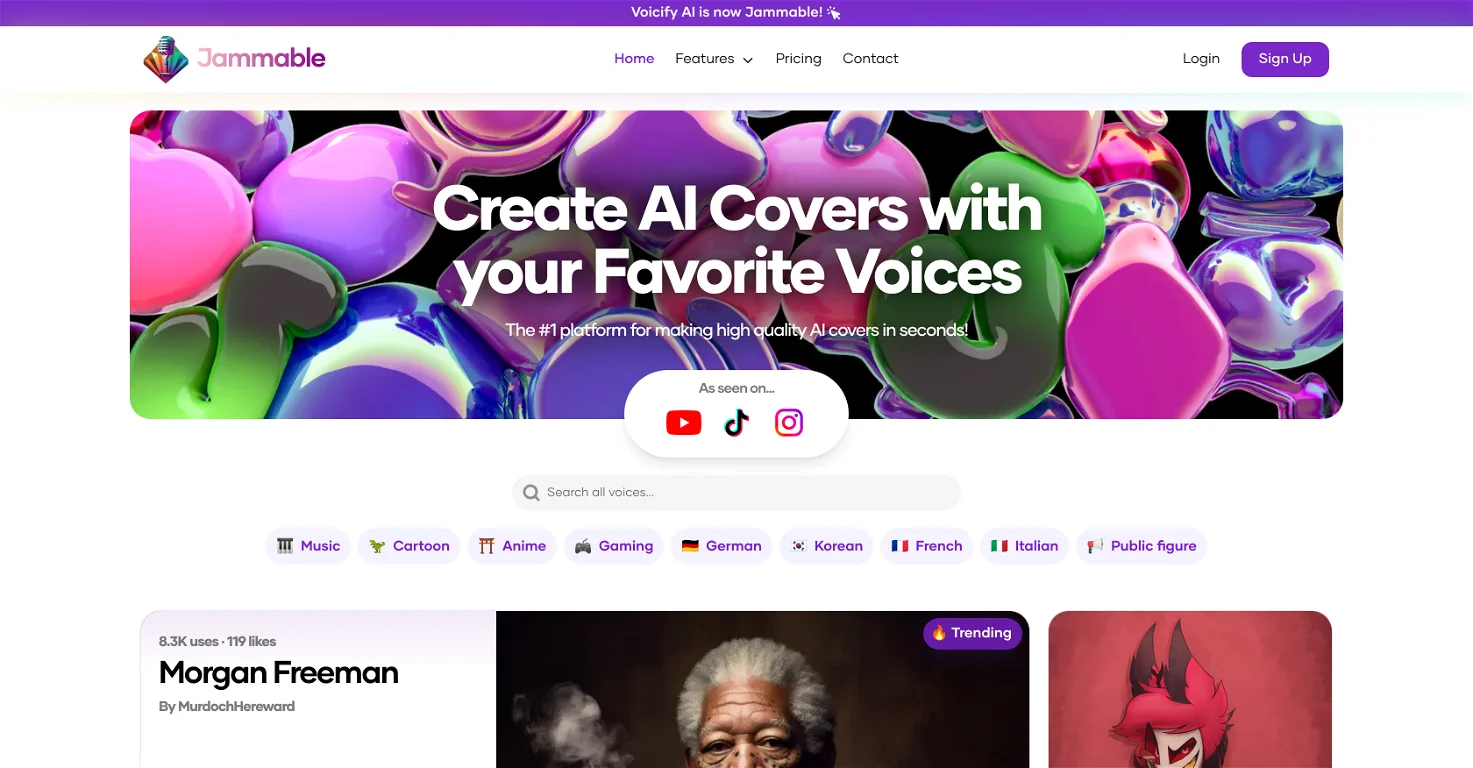
Jammable is a versatile AI-powered music creation tool that enables users to compose, remix, and enhance music effortlessly. With its advanced algorithms, Jammable offers a range of features including automated music generation, real-time collaboration, and customizable soundscapes. Whether you’re a musician, producer, or hobbyist, Jammable provides intuitive tools for crafting unique musical pieces and experimenting with various genres. Its user-friendly interface and powerful capabilities make it an ideal choice for both professionals and enthusiasts looking to elevate their music production process.

Adobe AI is a comprehensive suite of artificial intelligence tools integrated into Adobe's Creative Cloud, designed to enhance creativity, productivity, and design capabilities. By leveraging advanced machine learning and computer vision, Adobe AI empowers users to achieve professional-quality results across various creative applications.